Power, when you reach for it
Not just a pretty editor.
The whole point
Your bytes are sacred.
Plain text is the document — the pretty view is only a projection
over it. Fix one line and git diff shows exactly one
line. Constly never reformats, re-wraps, or
“normalizes” the markdown you didn't touch —
a one-word change stays a one-word change, not a whole-file reflow.
What's inside
Everything you reach for, already here.
-
01
Live preview that gets out of your way
Write
**bold**and the asterisks melt away the moment your cursor leaves — click back in and they return, in place, no flicker. Headings, lists, code, links, quotes: markdown that reads like prose and shows its source only where you're working. -
02
Write the way you think
Focus mode dims everything but the sentence you're in. Typewriter mode keeps the line centered. Real modal Vim with a status bar when you want it. And a command palette (⌘⇧P) plus quick-open (⌘P) so every action is one fuzzy search away.
-
03
Tables you can actually edit
A markdown table renders as a real grid — click a cell and type, Tab across, Enter for the next row. Leave it and the source reflows to clean, aligned pipes by itself. Toggle the grid off if you'd rather see raw markdown.
-
04
Math, diagrams, footnotes
KaTeX for
$inline$and display math, Mermaid diagrams from a fenced block, footnotes and an in-document[toc]— each rendered privately, and each showing its source instead of crashing when something's off. -
05
Private by default
No accounts, no telemetry, nothing phoning home. An image on the web doesn't load until you click it. An image from anywhere outside your document's folder doesn't load until you say so in a system dialog that names the file, once, forgotten when you quit. Exports ask the same question as a list: tick what goes in, confirm in a system dialog, and anything you didn't tick stays out.
-
06
Local version history
Off by default. Turn it on and Constly snapshots each document as you save, shows the history from the title bar, and lets you diff any past version against now and restore it — undoably. Local-only, never uploaded, with a disk cap and a never-snapshot list.
-
07
Leaves home cleanly
Its own bundled typeface, so a document reads the same on every machine. Light, Sepia, and Dark themes. And when a draft is done: one-click PDF export rendered right in the app — deterministic, fully offline, and tagged so screen readers get real headings instead of a picture of text. Or a self-contained HTML page, Word, ODT, RTF, LaTeX, EPUB — or just copy it as rich text.
-
08
Native feel, tiny footprint
A Rust core and a real native window — instant cold start, and an installer a fraction of the usual Electron heft. Tabs, workspace search, and session restore are built in, not bolted on. It opens exactly where you left it.
-
09
Works from your code editor
Writing in VS Code, Cursor, Windsurf or VSCodium? The free Open Markdown in Constly extension puts an Open in Constly button on your Markdown files. Click it and the file is saved and opened in Constly at your cursor. Press ⌘S / Ctrl+S in Constly and your editor sees the change. No network requests, no data collected.
Pricing
Free until your conscience kicks in.
Every feature works — no expiry, no watermark, nothing gated. After two weeks a polite reminder says hello about once a week. That's the whole nudge: nothing checks and nothing stops you.
- The full app, free to use
- Never expires — ever
- A gentle weekly reminder after 14 days
- Pay if it earns its keep — especially at work
No account, no card — ever.
Retire the reminder for good and back a tiny studio. One-time — no subscription, no upsell. One licence covers up to three devices, on any platform Constly ships on, with free updates within the version.
- One-time purchase, no subscription
- Up to three devices — macOS, Windows or Linux
- Free updates throughout the version
- 30-day refund, no questions asked
Buying for a team? Email us about volume licenses.
Questions
The honest answers.
Will it mangle my files?
No. Plain text is the document; the pretty view is just a projection over it. Constly never re-wraps, reorders, or “normalizes” markdown you didn't touch — editing one paragraph rewrites that paragraph and nothing else. Your CRLFs, your BOM, your trailing spaces all survive. Verified on a real-world corpus every release.
What's the catch with “free”?
There isn't one hiding in the features. Every capability works forever, paid or not. The app never expires, and exports never carry a watermark. After two weeks a polite dialog appears asking you to buy. That dialog is the entire business model.
How much does Constly cost?
Nothing to start. Constly is free to use on macOS, Windows and Linux — every feature, no expiry, no watermark, nothing gated. After two weeks a weekly reminder says hello, and a one-time $19.99 (USD) licence for up to three devices retires it. Nothing checks and nothing stops you. No subscription, ever.
Which platforms?
macOS, Windows, and Linux — each a real native build, not the same web page in three wrappers. All three ship today.
How do I install Constly?
On a Mac: download the disk image from constly.com/download, open it, and drag Constly to Applications — signed and notarized by Apple, macOS 11+ (or run brew install --cask runthewall/tap/constly). On Windows: download and run the installer — signed by RUN THE WALL PTY LTD, for Windows 10 (1803+) and 11, 64-bit. On Linux: install the .deb or .rpm, or extract the tarball — needs a system WebKitGTK 4.1 (Ubuntu 22.04+ or equivalent).
Does it work offline?
Entirely. There's no account to create and no server to reach. Constly never needs the network to open, edit, or save a file.
What can it export?
A real PDF, rendered inside the app — deterministic, offline, and accessibility-tagged so screen readers get actual headings and lists. Plus a self-contained HTML page (math, diagrams, highlighted code and images all baked in), Word, ODT, RTF, LaTeX, and EPUB — and “copy as rich text” for pasting into Mail, Word, or Slack with formatting intact.
Does it work with VS Code?
Yes, alongside it rather than instead of it. The free Open Markdown in Constly extension, for VS Code, Cursor, Windsurf and VSCodium, saves the Markdown file you're on and opens it in Constly at the same line and column. Press ⌘S / Ctrl+S in Constly and your editor sees the change. It makes no network requests and collects no data. Install links and settings are at constly.com/vscode.
Can I get a refund?
Yes — within 30 days, no questions asked.
From the blog
Notes on owning your plain text.
-
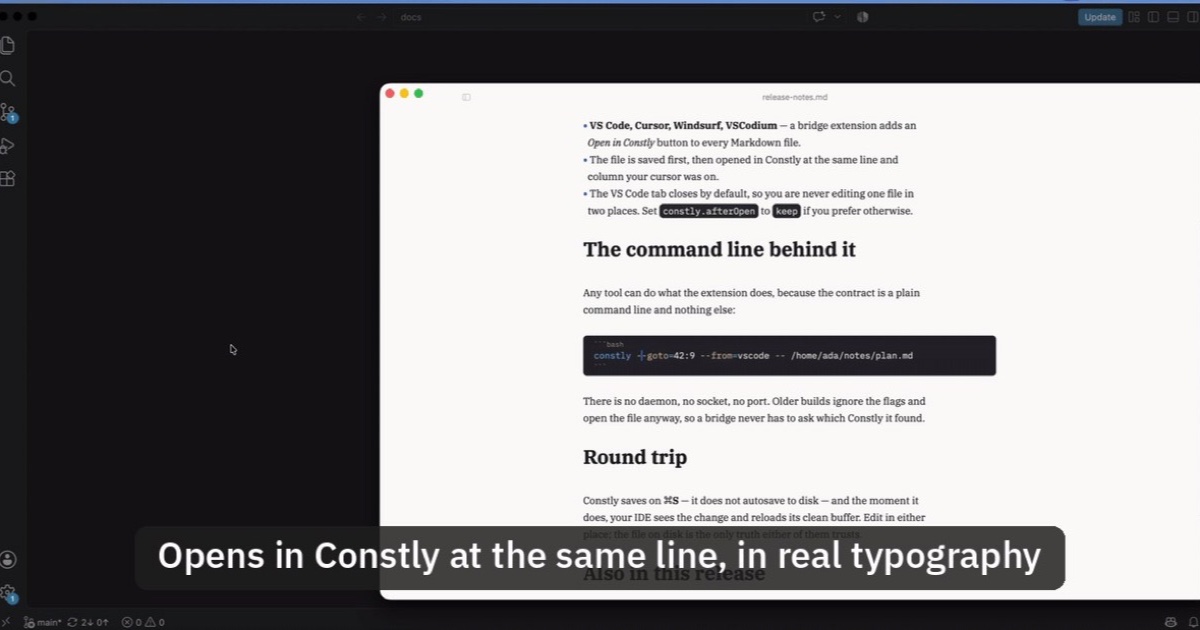
Open Markdown from VS Code, Cursor or Windsurf in Constly
A free extension for VS Code, Cursor, Windsurf and VSCodium: one click saves the Markdown file you're on and opens it in Constly, at your cursor.
-
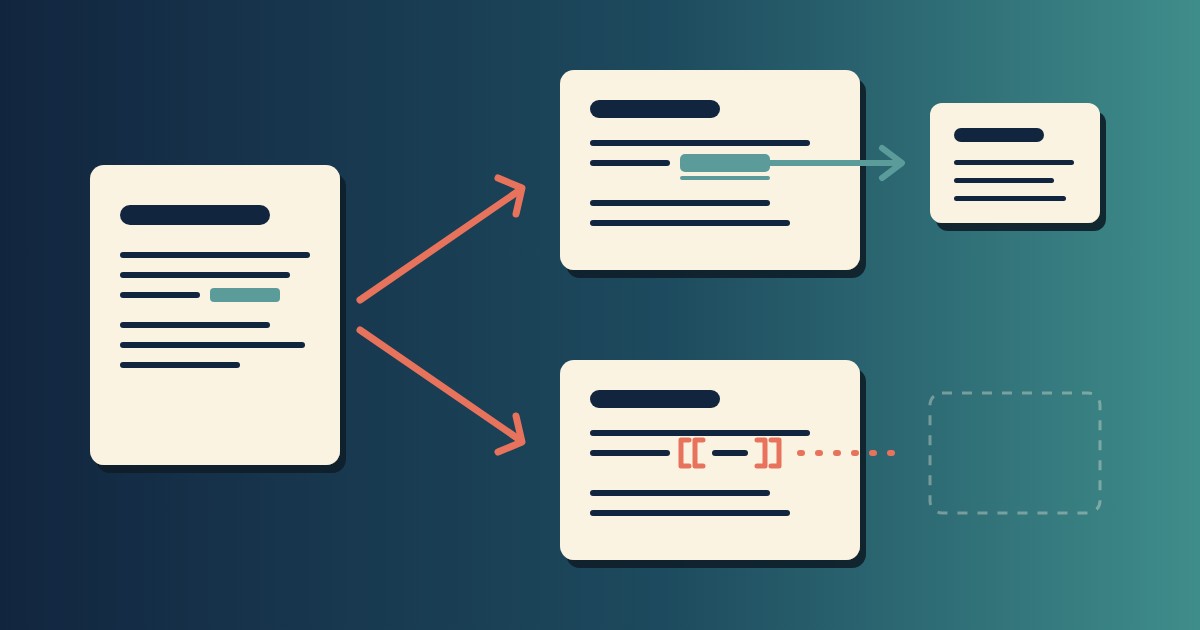
Wikilinks vs Markdown Links: Which One Still Works When You Change Apps
[[Note]] is not part of Markdown, so most tools show it as typed. [Note](Note.md) works in all of them. One test file, three readers, and a one-line conversion.
-
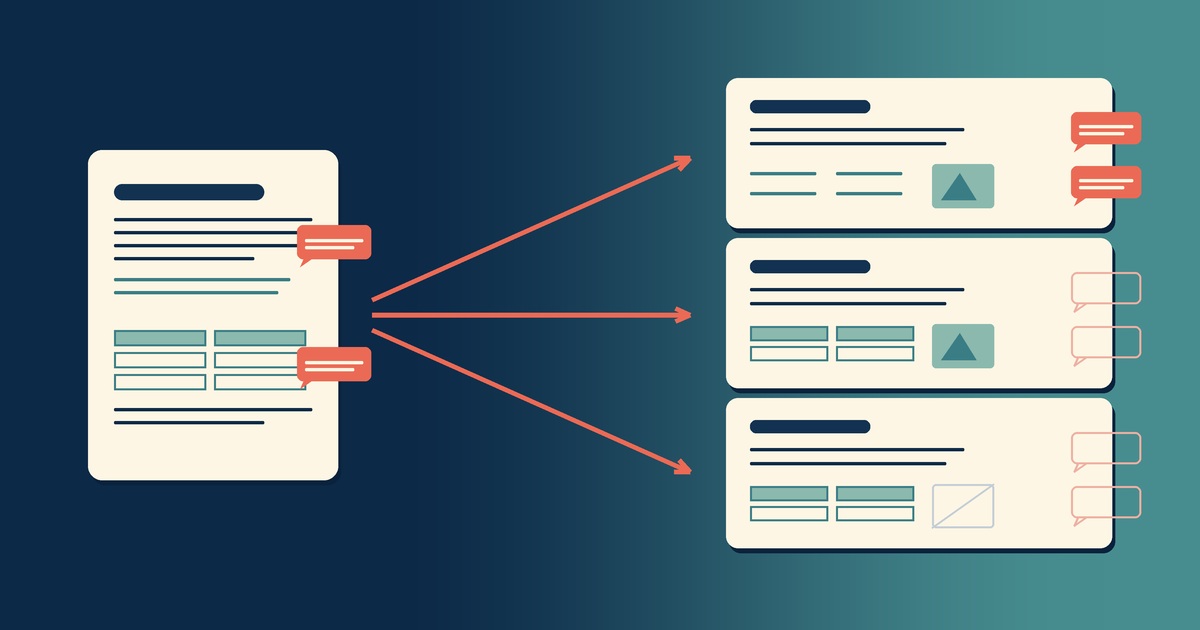
Google Docs to Markdown: Three Routes, and What Each Drops
Google Docs exports Markdown from the File menu, and drops every comment on the way. Three routes out of a Doc, tested on one document, and what each costs.
Get release notes.
Updates & new platforms — a handful of emails a year, unsubscribe anytime.