Local-First Notes: What the Term Actually Means (and a 30-Second Test)

“Local-first” is having a moment, and like every term having a moment, it’s drifting toward meaning “software I like”. It deserves better. It’s a defined idea with a paper trail, and it describes something concrete you can check your own tools against.
The short version: local-first software keeps the primary copy of your data on your device, usable offline and under your control, with the network as an extra rather than a requirement.
The definition has a source
The term comes from Ink & Switch’s 2019 essay Local-first software, which lays out seven ideals for software that gives users ownership of their data. Paraphrased:
- Fast: no spinner; your work is on your disk.
- Multi-device: your data follows you.
- Offline: the network is optional.
- Collaborative: without losing the above.
- Long-lived: your work outlasts the app.
- Private and secure: by architecture, not policy.
- Yours: ultimate ownership and control.
The essay spends most of its pages on the hard end of that list: sync technology that lets people collaborate without a server owning the data. That research matters. For notes, though, a much older technology already meets the ideals that matter most.
Plain text is the original local-first format
A folder of Markdown files is:
- Fast and offline: files on disk, with no request round-trip between you and your words.
- Long-lived: plain text has outlasted every proprietary notes format of the last 40 years. We put receipts behind this in Plain-text notes you’ll still be able to open in 2040.
- Private by architecture: a file that never leaves your disk needs no privacy policy.
- Yours: no export button required, because there’s nothing to export from.
Plain files alone don’t give you the essay’s collaborative sync. That’s the trade, and it’s an honest one. For a single person’s notes, the ownership half of local-first is the half that decides whether they still exist, readable, in fifteen years.
Local-first notes: the 30-second test
Plenty of apps call themselves local-first now. Here is how to check one, ours included, against the definition instead of the marketing. It takes about half a minute.
- Turn the network off and edit a note. If the app stalls, asks you to sign in, or shows you a stale copy, the primary copy lives on someone else’s computer. That’s ideal 3 in the essay, and it’s the quickest tell.
- Find the file. Your notes should exist as files you can locate in Finder or Explorer and open with something other than the app. If the app is the only way to see them, what you have is a cache.
- Read the export button. Export is the app admitting your notes are stored in its format. Local-first notes have nothing to export from; the files already are the notes.
- Imagine the company gone. If the app stopped launching tomorrow, could you still read everything? With plain files, yes, in any editor. That’s the “long-lived” ideal, and the one most apps fail without anyone noticing until it matters.
| Local-first notes | Cloud-first notes | |
|---|---|---|
| Primary copy | On your device | On the provider’s servers |
| Offline | Everything works; the network is optional | A read-only cache at best |
| File format | Files other apps can open (plain text, Markdown) | A database inside the app or the account |
| Leaving | Copy the folder | Export, and hope the export is complete |
| If the app disappears | Your notes are still files | Your notes depend on the export you made in time |
Where Constly sits (honestly)
Constly is a Markdown editor, so this one’s simple: your documents are plain .md files
on your disk, fully usable offline. We verified that the tedious way for the 2040 article:
file-type checks, the same file opened in three different editors, byte-level diffs. Constly
doesn’t implement the essay’s CRDT sync layer, and we won’t pretend otherwise; what it does
is refuse to take your files hostage in the first place. It passes the four checks above:
the network can be off, the file is sitting in Finder, its Export menu is for turning a note into a PDF or a Word file
rather than for getting your notes back, and the .md opens in any editor you like.
If you want your notes local-first today, the recipe is boring and reliable: a folder of Markdown files, any editor that respects them, and a backup you control. Constly is free to download if you want the editing part to be pleasant.
FAQ
What are local-first notes? Notes whose primary copy is on your own device, as files you control and can use offline. The network is optional. The definition is Ink & Switch’s seven ideals; the simplest thing that meets it is a folder of Markdown files.
How do I know if my notes app is local-first? Turn the network off and try to edit something. Then find the file on disk and open it in a different app. If both work, your notes are local-first, whatever the app calls itself.
Is “local-first” the same as “offline-first”? Related, not identical. Offline-first means the app tolerates losing its connection. Local-first means your device holds the primary copy, and working offline follows from that, per the Ink & Switch ideals.
Can cloud-synced notes be local-first? They can. The essay’s whole point is that sync and ownership aren’t enemies, as long as the primary copy stays yours. The test is the one above: turn the network off. If you can still read and edit everything, the notes are yours.
Last updated September 25, 2026.
Keep reading
-
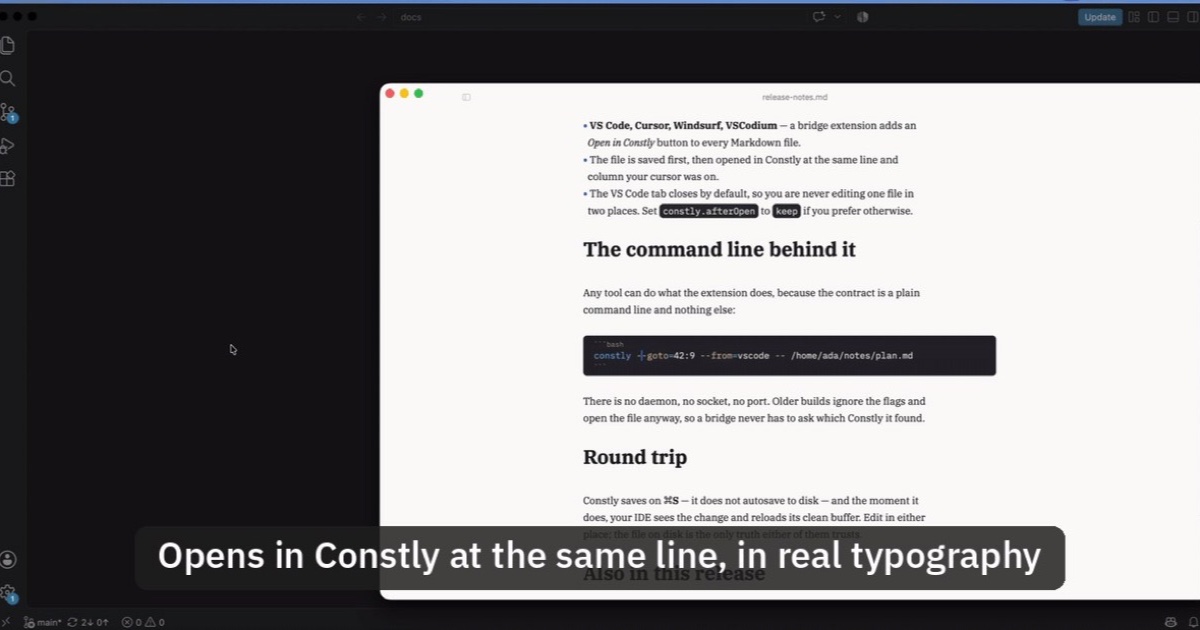
Open Markdown from VS Code, Cursor or Windsurf in Constly
A free extension for VS Code, Cursor, Windsurf and VSCodium: one click saves the Markdown file you're on and opens it in Constly, at your cursor.
-
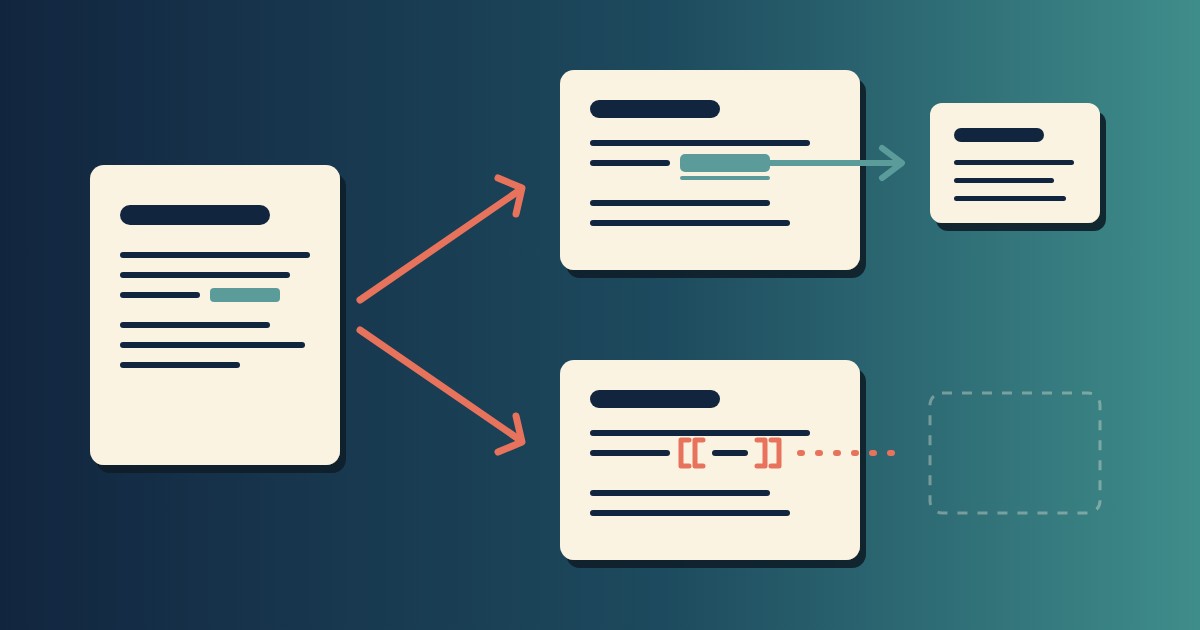
Wikilinks vs Markdown Links: Which One Still Works When You Change Apps
[[Note]] is not part of Markdown, so most tools show it as typed. [Note](Note.md) works in all of them. One test file, three readers, and a one-line conversion.
-
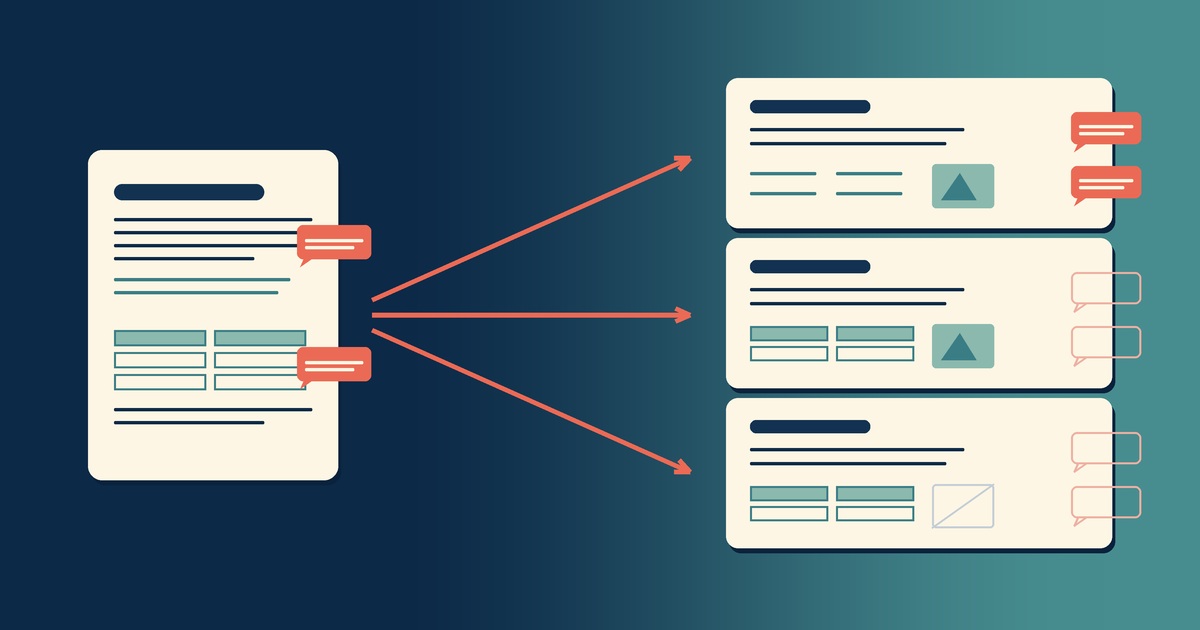
Google Docs to Markdown: Three Routes, and What Each Drops
Google Docs exports Markdown from the File menu, and drops every comment on the way. Three routes out of a Doc, tested on one document, and what each costs.
-
Leaving Google Keep? How to Get Your Notes Out as Markdown
Google Takeout hands you Keep as one file per note. A short script turns them into Markdown, titles, checklists and labels included, ready for any plain-text app.
-
How to Preview a Markdown File on a Mac
Press Space on a .md file and macOS shows you the source, hashes and asterisks included. Here is why, and three ways to actually read the thing.
-

Version History for Your Notes, Free, Forever
Two free layers of version history for plain-text notes: Constly's local snapshots as you save, and git for a history that outlives any app. Plus a ten-minute backup plan.