Wikilinks vs Markdown Links: Which One Still Works When You Change Apps
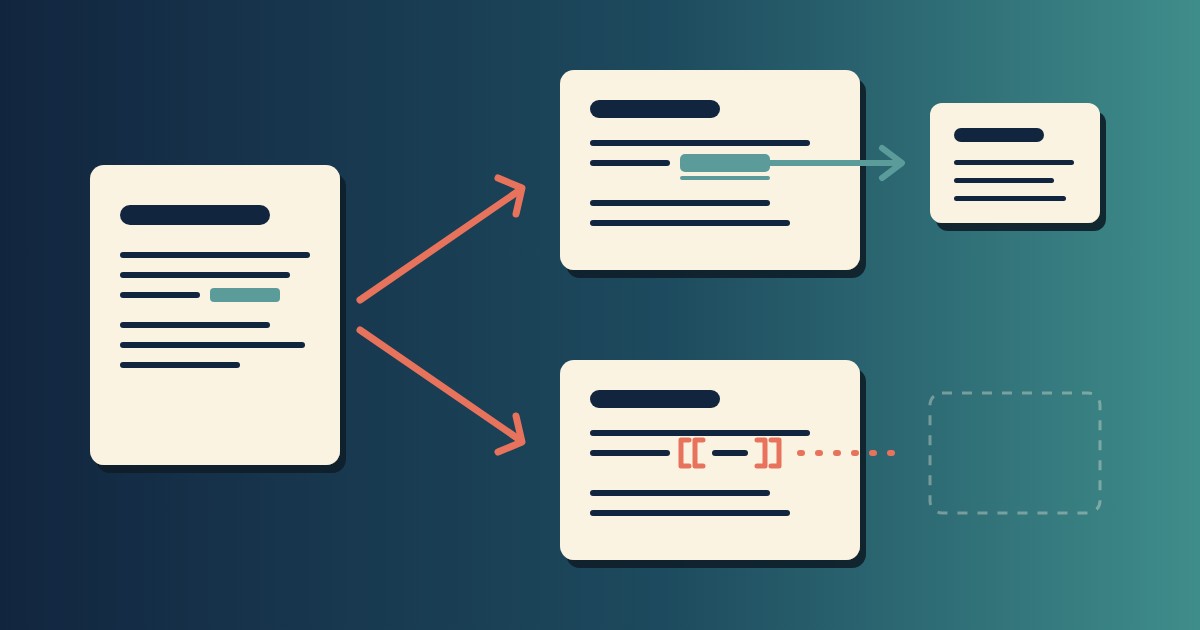
[Note](Note.md) works in every tool that reads Markdown. [[Note]] works in the apps that added it, and shows up as plain text in the rest, brackets and all. That’s the whole difference. Wikilinks aren’t in CommonMark, the Markdown specification, so the moment a file leaves the app that wrote them, the links stop being links.
To settle wikilinks vs Markdown links for our own notes, we put both forms in one file and opened it in three places. Below is what each one did with it, plus a one-line conversion if your notes are full of double brackets and you’d like them to travel.
The two forms
| Markdown link | Wikilink | |
|---|---|---|
| What you type | [Note](Note.md) |
[[Note]] |
| Who defines it | CommonMark, the Markdown standard | Each app, for itself |
| A note called “Three laws” | [Three laws](Three%20laws.md) |
[[Three laws]] |
| In any other Markdown app | Still a link See the Note |
Text, brackets and all See the [[Note]] |
CommonMark defines two kinds of link: inline, where the destination sits in brackets right after the text, and reference, where it’s defined elsewhere in the document. There is no double-bracket form, so any app that offers one is defining it for itself.
That’s also why they’re pleasant to type. [[Three laws of motion]] is shorter than [Three laws of motion](Three%20laws%20of%20motion.md), and you don’t have to think about the file name or the encoding. Obsidian, which writes them by default, says as much in its own documentation: it generates wikilinks by default “due to its more compact format”, and in the next sentence, “if interoperability is important to you, you can disable Wikilinks and use Markdown links instead.” The switch is under Settings → Files and Links → Use [[Wikilinks]]. With it off, you can still type [[ to autocomplete a note name, and the app writes a Markdown link instead. The trade is compactness now against portability later.
One file, three readers
The test file is four lines of content with a blank line between each: a heading, Wikilink: [[Note]], Markdown link: [Note](Note.md), and a plain sentence. Note.md sits in the same folder. We opened it in Constly 4.7.1, in Finder’s Quick Look, and ran it through GitHub’s Markdown API, in the mode GitHub’s documentation says renders “like a README.md file”.
[[Note]] |
[Note](Note.md) |
|
|---|---|---|
| GitHub (README rendering) | Shown as typed | A link to Note.md |
| macOS Quick Look | Shown as typed | Shown as typed |
| Constly 4.7.1 | Shown as typed | Shown as a link |
GitHub is the clearest case. Its renderer turned [Note](Note.md) into an anchor pointing at Note.md and passed [[Note]] through as the eight characters you typed. That matches GitHub’s docs, which give [[Page name|Link text]] as the link syntax for wiki pages written in MediaWiki markup, and [text](url) for wiki pages written in Markdown. In a README it isn’t a link.
Quick Look showed both forms as typed, because on a stock Mac it shows the source of a .md file rather than rendering it. We wrote up why that is separately. It’s a fair reminder that the raw file is what every other program sees.
Constly shows [[Note]] as typed too. It reads Markdown links, so [Note](Note.md) appears as a link, though Cmd-clicking it doesn’t open the file: Constly opens web and mail links and leaves file paths alone. Constly has no note-linking feature. What the test shows is that a file with wikilinks in it opens, reads and edits like any other, with the double brackets sitting there as text.
What the file looks like after you save
The part that matters more than rendering is what happens to the bytes. An app that understands wikilinks has a decision to make when it meets a file that has them: leave them, or rewrite them into its own form. A developer on r/markdown recently described adding wikilinks to their editor and finding that it forced them to break their rule about never rewriting a user’s file. Once an app treats a link as a feature rather than as text, it has a reason to change the text.
We ran the check on the same test file. Copy it, open the original in Constly, add a word to the last line, save, then diff the two:
cp test.md before.md
# edit the last line in Constly, save
diff before.md test.md
7c7
< This line is here to be edited later.
---
> This line is here to be edited later. Edited once.One line in the diff, the one we changed. The wikilink line and the Markdown link line came back byte for byte, which is the point of never rewriting bytes you didn’t touch.
If you want the links to travel
If your notes live in one app and will stay there, the compact form costs you nothing. The question is only whether the files might ever be read by something else: a colleague’s editor, a static site generator, a git host, a script, or you in ten years with different software. That’s the case plain text is supposed to cover, and the reasoning behind keeping notes as files at all is in what local-first actually means. Double brackets opt out of it.
There are two ways to move.
The first is to change what you write from now on. In Obsidian, that’s the Use [[Wikilinks]] switch above. Its documentation describes the setting as changing the links the app generates, so treat existing links as a separate job.
The second is to convert the existing ones. For the plain [[Note name]] form, one line does it, writing spaces as %20 and adding the .md:
perl -pi -e 's/(?<!!)\[\[([^\]|#.]+)\]\]/"[$1](" . ($1 =~ s{ }{%20}gr) . ".md)"/ge' *.mdWe ran it over See [[Note]] and [[Three laws of motion]] and got See [Note](Note.md) and [Three laws of motion](Three%20laws%20of%20motion.md). It leaves the alias form [[Note|shown text]], the heading form [[Note#Section]], embeds like ![[Figure 1.png]] and names that already carry an extension untouched, on purpose, so you can deal with those by hand rather than have a script guess. Work on a copy, or in a git repository, and diff before you trust it.
After that the links are relative paths, which a file system understands and no app has to.
FAQ
Are wikilinks part of Markdown?
No. CommonMark defines inline links, [text](destination), and reference links, [text][label]. Double brackets aren’t in the specification, and tools that follow it show them as text.
Will opening a file full of [[links]] in Constly change them?
No. They display as typed and save as typed. The diff above is the receipt.
Does GitHub support wikilinks?
In wiki pages written in MediaWiki markup, where the docs give [[Page|Text]] as the link syntax; for Markdown wiki pages the same docs give [text](url). In a README, our test rendered [[Note]] as plain text.
Which should I use? If your notes might ever leave the app, Markdown links. If they won’t, wikilinks are fine, and Obsidian’s own docs draw the line in the same place: switch to Markdown links when interoperability matters.
What does Obsidian do if I turn wikilinks off?
It writes Markdown links from then on, and you can still type [[ to autocomplete a note name. The documentation describes the setting as affecting the links Obsidian generates, so convert existing ones separately if you need to.
Keep reading
-
Open Markdown from VS Code, Cursor or Windsurf in Constly
A free extension for VS Code, Cursor, Windsurf and VSCodium: one click saves the Markdown file you're on and opens it in Constly, at your cursor.
-
Google Docs to Markdown: Three Routes, and What Each Drops
Google Docs exports Markdown from the File menu, and drops every comment on the way. Three routes out of a Doc, tested on one document, and what each costs.
-
Leaving Google Keep? How to Get Your Notes Out as Markdown
Google Takeout hands you Keep as one file per note. A short script turns them into Markdown, titles, checklists and labels included, ready for any plain-text app.
-
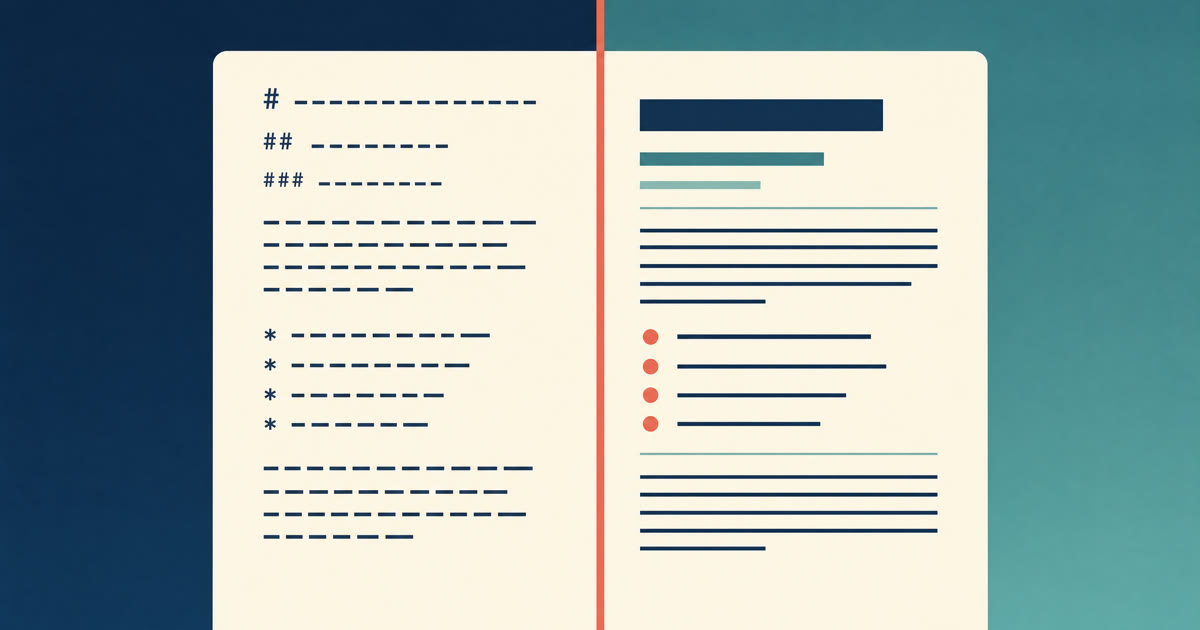
How to Preview a Markdown File on a Mac
Press Space on a .md file and macOS shows you the source, hashes and asterisks included. Here is why, and three ways to actually read the thing.
-

Version History for Your Notes, Free, Forever
Two free layers of version history for plain-text notes: Constly's local snapshots as you save, and git for a history that outlives any app. Plus a ten-minute backup plan.
-

Save Web Pages as Markdown Notes You'll Actually Find Again
Save a web page as a Markdown note: paste it into Constly, or save it as HTML and import. The clutter stays behind; you get a plain .md you can search.