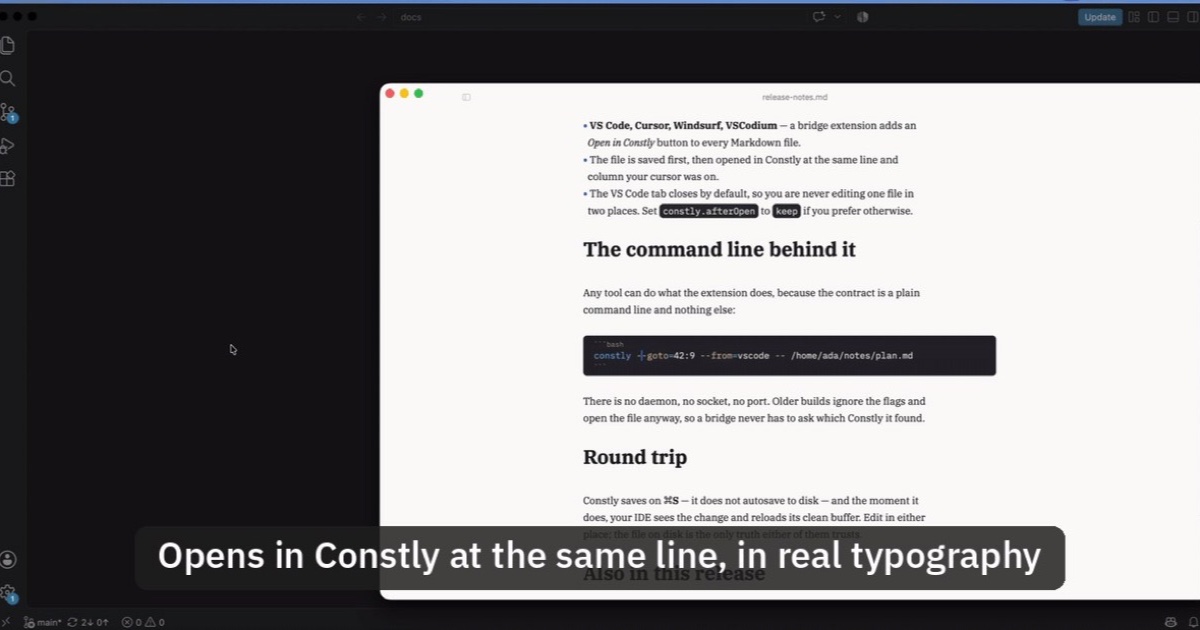
Open Markdown from VS Code, Cursor or Windsurf in Constly
A free extension for VS Code, Cursor, Windsurf and VSCodium: one click saves the Markdown file you're on and opens it in Constly, at your cursor.
-
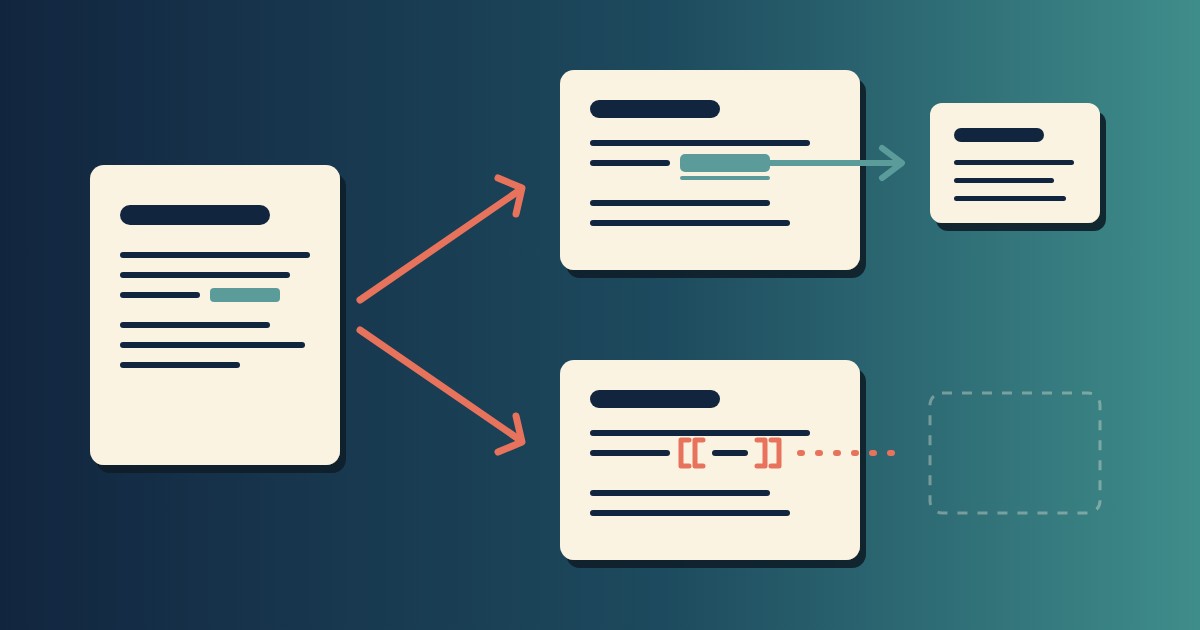
Wikilinks vs Markdown Links: Which One Still Works When You Change Apps
[[Note]] is not part of Markdown, so most tools show it as typed. [Note](Note.md) works in all of them. One test file, three readers, and a one-line conversion.
-
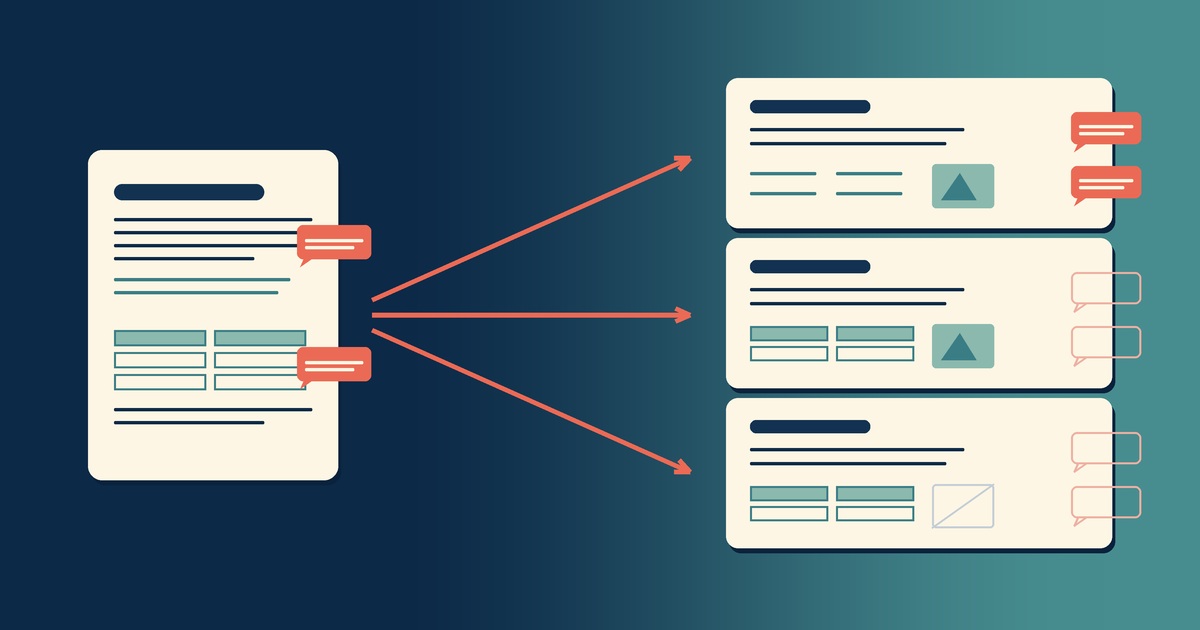
Google Docs to Markdown: Three Routes, and What Each Drops
Google Docs exports Markdown from the File menu, and drops every comment on the way. Three routes out of a Doc, tested on one document, and what each costs.
-
Leaving Google Keep? How to Get Your Notes Out as Markdown
Google Takeout hands you Keep as one file per note. A short script turns them into Markdown, titles, checklists and labels included, ready for any plain-text app.
-
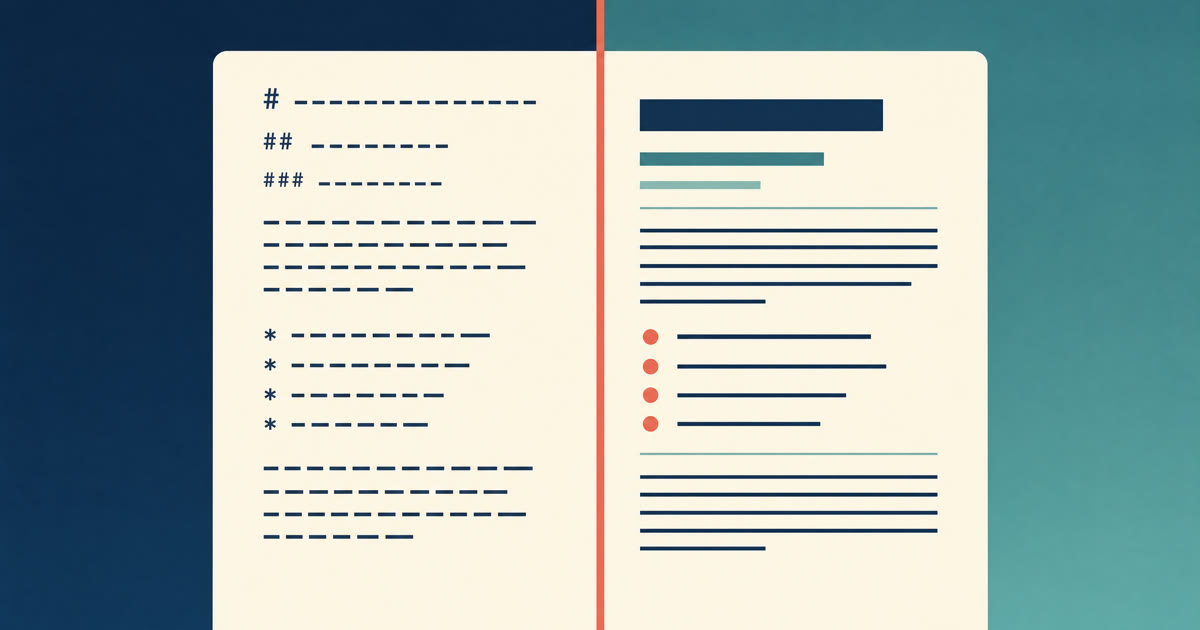
How to Preview a Markdown File on a Mac
Press Space on a .md file and macOS shows you the source, hashes and asterisks included. Here is why, and three ways to actually read the thing.
-

Version History for Your Notes, Free, Forever
Two free layers of version history for plain-text notes: Constly's local snapshots as you save, and git for a history that outlives any app. Plus a ten-minute backup plan.
-

Save Web Pages as Markdown Notes You'll Actually Find Again
Save a web page as a Markdown note: paste it into Constly, or save it as HTML and import. The clutter stays behind; you get a plain .md you can search.
-

Local-First Notes: What the Term Actually Means (and a 30-Second Test)
Local-first notes keep the primary copy on your device, in files you can open without the app. The definition, and a 30-second test for any notes app.
-

Sometimes you just want to open a Markdown file
Vault-based note tools assume a workspace. But half the time a note is just a file you want to read. The case for a Markdown editor that opens files.
-

Plain-text notes you'll still be able to open in 2040
Apps retire. Proprietary formats go with them. Plain-text Markdown just keeps opening — here's why, with receipts you can reproduce in two minutes.
-

The best free Markdown editor for Mac (2026)
Five genuinely free Markdown editors for macOS, compared — live preview, export, and which fits your workflow. No trials that expire, no paywalls hiding in the features.
-

The best free Typora alternative for Mac
Typora's 15-day trial ends in a $14.99 license. If you want the same render-as-you-type Markdown editing on macOS for free, here are the closest alternatives.
-
How to convert Markdown to PDF on a Mac
Four reliable ways to turn a Markdown file into a PDF on macOS — Constly's built-in Export PDF, a faithful HTML-export-then-print, Pandoc, and quick print-to-PDF.
-
Your Markdown editor shouldn't rewrite bytes you didn't touch
Most editors quietly reformat your Markdown the moment you save. Here's why byte-for-byte fidelity matters — and what it looks like when a tool gets it right.