Plain-text notes you'll still be able to open in 2040

If you want your notes to be readable in 2040, the answer is boring and reliable: keep them as plain-text files in an open format — which today means Markdown. Not because it’s fashionable. Because plain text is the only document format with a fifty-year record of outliving every tool that ever wrote it.
Apps are mortal. Your notes shouldn’t be.
Every notes app you’ve ever loved will eventually be acquired, pivoted, subscription-walled, or quietly shut down. That’s not cynicism, it’s just software economics. The question that matters isn’t which app survives — nobody knows — it’s what happens to your notes when one doesn’t.
If your notes live in a proprietary database, the answer depends on an export button working correctly, before the servers go dark, in a format something else can actually read. That’s three conditions, and you control none of them.
If your notes are .md files in a folder you own, the answer is: nothing happens. You open
them with whatever exists in 2040.
What actually makes a format survivable
Three properties, and Markdown has all of them:
1. It’s just text. A Markdown file is bytes any text editor since the 1970s can display.
There is no importer, no runtime, no “supported version.” We tested exactly this claim: the
same .md file, read by three unrelated programs — cat, vim, and a two-line Python script.
Identical content, zero translation. file reports it as what it is: plain text.
2. It’s openly specified. Markdown isn’t one company’s file format — it’s a public, versioned specification (CommonMark, currently 0.31.2, CC-licensed with a full archive back to 2014). Anyone, forever, can write a compliant reader from the spec alone. No vendor has to survive for the format to.
3. It’s too widespread to rot. Markdown is the format of virtually every README on earth — hundreds of millions of them on GitHub alone — most developer documentation, and, increasingly, what AI assistants read and write natively. Formats die from abandonment. This one is load-bearing for the entire software industry.
The receipts
Claims about durability should be checkable today, so here’s the two-minute version you can run yourself:
$ file notes.md
notes.md: ASCII text

$ git diff          # after changing one word
-Markdown stays readable in modern editors.
+Markdown stays readable in any editor.

$ git diff --stat
 notes.md | 2 +-
 1 file changed, 1 insertion(+), 1 deletion(-)
One word changed, one line in the diff. Your edit history stays legible for as long as you keep the folder — which is also why plain text is the only note format that genuinely works with version control. (If you’ve ever watched an editor rewrite your whole file to change one word, that’s the other half of this story: your Markdown editor shouldn’t rewrite bytes you didn’t touch.)
How the formats compare
| Plain-text Markdown | Proprietary app format | Word-processor file | |
|---|---|---|---|
| Readable without the original app | Yes — any text editor | Rarely (needs export first) | Partially (needs compatible software) |
| Openly specified | Yes (CommonMark) | No | Nominally, but enormous |
Meaningful git diff |
Yes — line-level | No | No |
| Survives the vendor disappearing | Yes | Only if you exported in time | Usually, with degradation |
Moving your notes toward 2040
You don’t need to migrate everything this weekend. Directionally:
- Keep new notes as
.mdfiles in a folder you control — local disk, synced however you like. The folder is the database. - Prefer tools that store notes as files rather than inside an opaque library you’d need to export from someday.
- Test your current app’s export today, while it’s alive and you’re calm. If what comes out isn’t plain text you can open and diff, you’ve learned something important early.
Constly’s part in this is deliberately small: it’s a free editor for Mac, Windows and Linux that renders your
Markdown beautifully while it stays exactly what it was on disk — plain text, in your folder,
yours. If your notes ever outgrow us, they walk away intact. That’s the point.
Download it free, or start even simpler: make a folder, create 2040.md, and
write the first note you’ll still be able to open when it matters.
Last updated September 25, 2026.
Keep reading
-
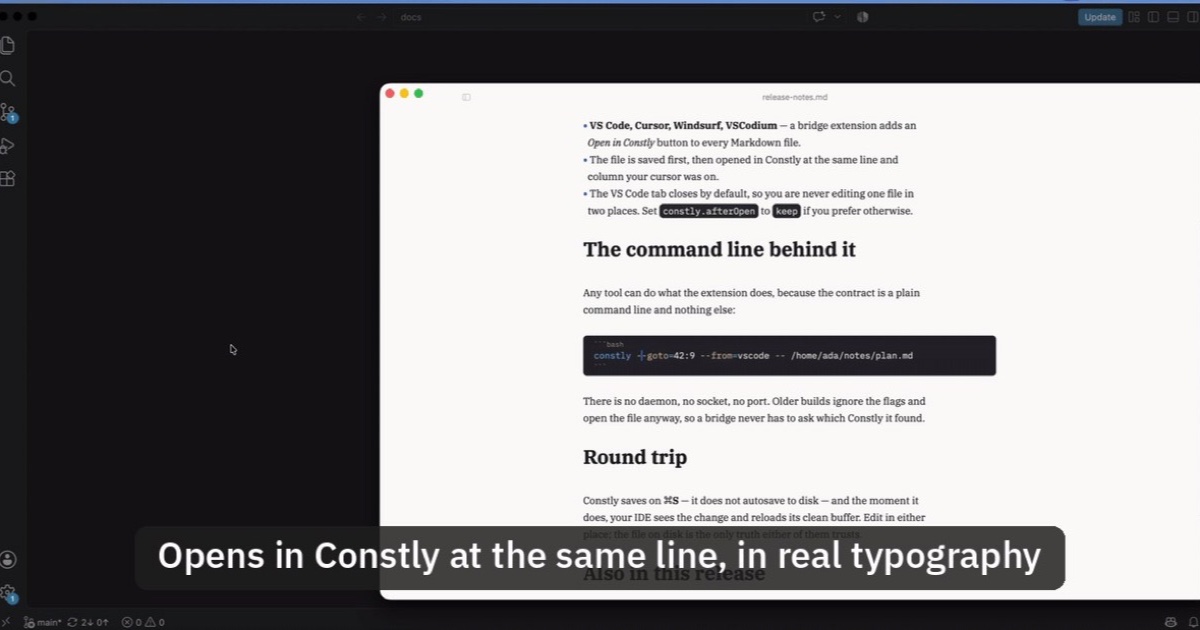
Open Markdown from VS Code, Cursor or Windsurf in Constly
A free extension for VS Code, Cursor, Windsurf and VSCodium: one click saves the Markdown file you're on and opens it in Constly, at your cursor.
-
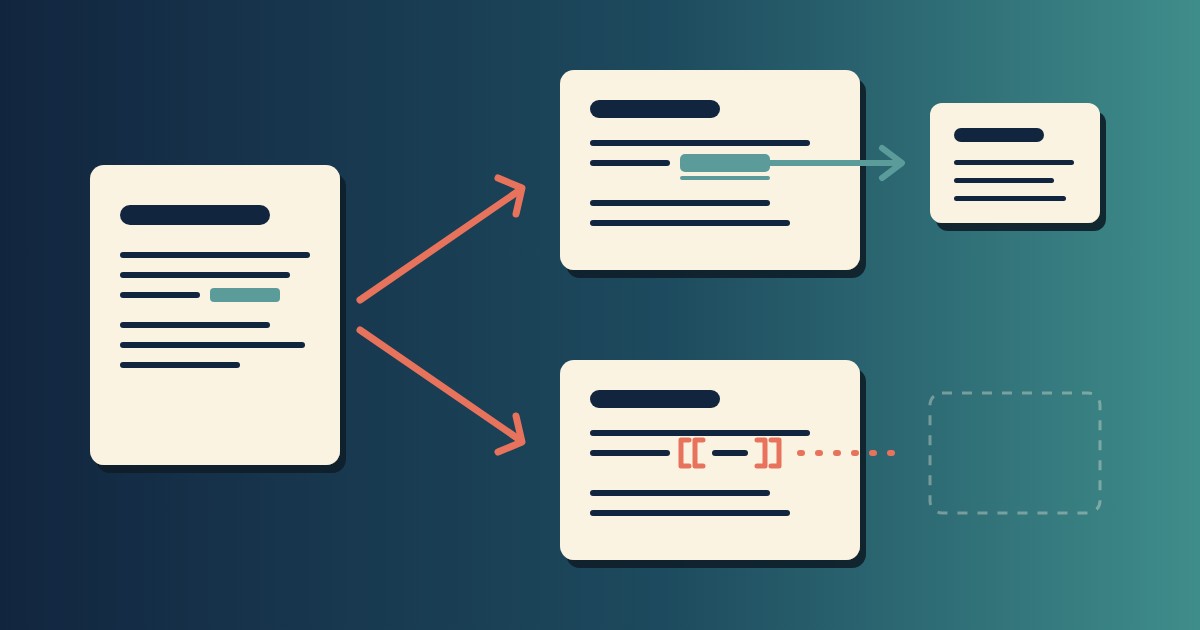
Wikilinks vs Markdown Links: Which One Still Works When You Change Apps
[[Note]] is not part of Markdown, so most tools show it as typed. [Note](Note.md) works in all of them. One test file, three readers, and a one-line conversion.
-
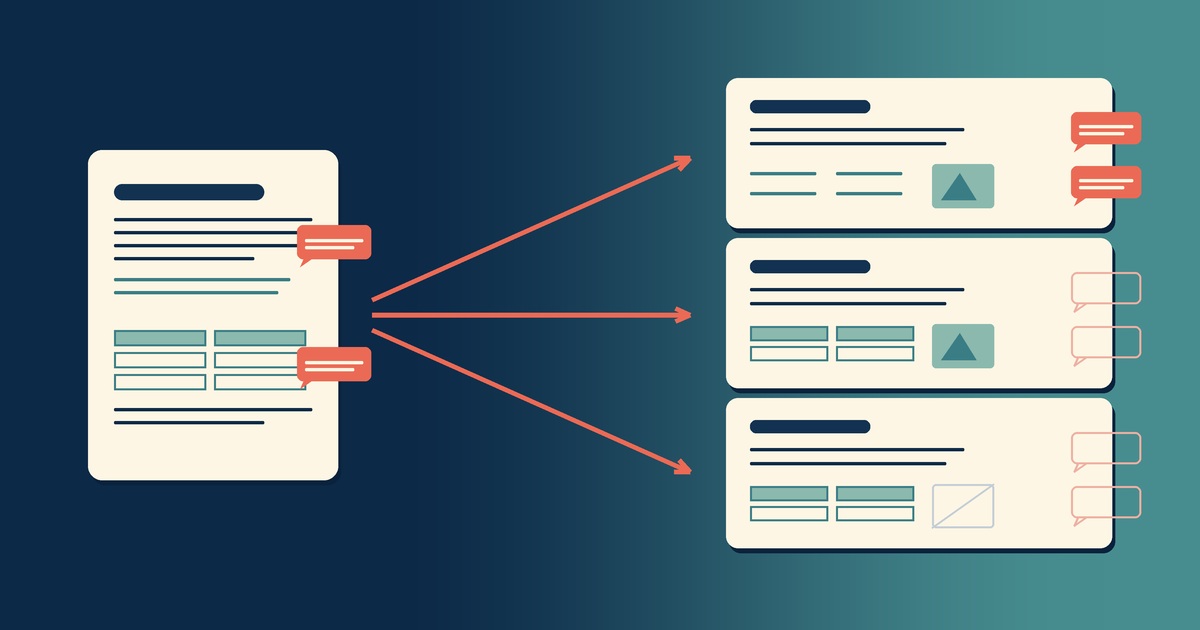
Google Docs to Markdown: Three Routes, and What Each Drops
Google Docs exports Markdown from the File menu, and drops every comment on the way. Three routes out of a Doc, tested on one document, and what each costs.
-
Leaving Google Keep? How to Get Your Notes Out as Markdown
Google Takeout hands you Keep as one file per note. A short script turns them into Markdown, titles, checklists and labels included, ready for any plain-text app.
-
How to Preview a Markdown File on a Mac
Press Space on a .md file and macOS shows you the source, hashes and asterisks included. Here is why, and three ways to actually read the thing.
-

Version History for Your Notes, Free, Forever
Two free layers of version history for plain-text notes: Constly's local snapshots as you save, and git for a history that outlives any app. Plus a ten-minute backup plan.