Sometimes you just want to open a Markdown file

Someone sends you meeting-notes.md. You find a three-year-old README in a project folder.
You download an export from an app you quit last year. You don’t want to organise any of
this. You don’t want a workspace, a graph, or a system. You want to double-click the file and
read it, formatted, right now.
This is one of the most common frustrations you’ll hear from Markdown users, and it’s worth taking seriously — because the tools most people reach for weren’t built for it.
The vault assumption
The heavyweight note tools are genuinely excellent at what they’re for. Vault-based tools like Obsidian are built around a workspace — in their own words, “a folder on your local file system where Obsidian stores your notes” — and everything good about them flows from that: linking, graphs, search across a life’s worth of thinking. If you’re gardening a knowledge base, a vault is the right shape.
But the vault is the starting assumption. Before you read anything, you choose or create one. Point it at a folder. Adopt the file into a system. That’s a fine ceremony when you’re building a garden — and a strange one when someone just texted you a file.
It’s the difference between “add this book to my library, catalogue it, then read it” and opening the book.
A file is not a project
Half the Markdown that passes through your life has no ambitions of joining a system:
- the README you’re skimming once
- the notes a colleague exported for you
- the draft you wrote in a hurry on another machine
- the file that’s simply old, from a workflow you’ve long since left
For all of these, the note is just a file. The right tool for a file is one that opens it — the way Preview opens a PDF. No import, no adoption, no sidebar asking what this file wants to be when it grows up.
What Constly does instead
Constly opens the file. That’s the design.
Double-click any .md — alone on your Desktop, deep in someone else’s repo, fresh out of a
download folder — and it renders, instantly readable, with the marks out of your way. Edit it
if you like: when you save, the file stays exactly what it was on disk, byte for
byte, still just plain text
you’ll be able to open in 2040. Close
it, and nothing lingers — no vault remembers, no index rebuilds.
If all you want is to look at the file, Finder will not do it for you: pressing Space shows the Markdown source rather than the formatting. Here is why, and three ways round it.
If you also keep a vault somewhere, keep it. The two shapes aren’t rivals; they’re different sizes of moment. A system for the garden, a file-opener for everything that’s just a file.
Match the tool to the size of the moment
Most note-taking advice pushes toward more structure — more linking, more system, more commitment. But a surprising amount of daily friction comes from the opposite direction: small moments forced through big tools.
So here’s the whole pitch, sized accordingly: Constly is a free Mac editor that opens
Markdown files the way your computer opens everything else. Download
it, then double-click the next .md that finds you — and notice that nothing
asked you to set anything up.
Keep reading
-
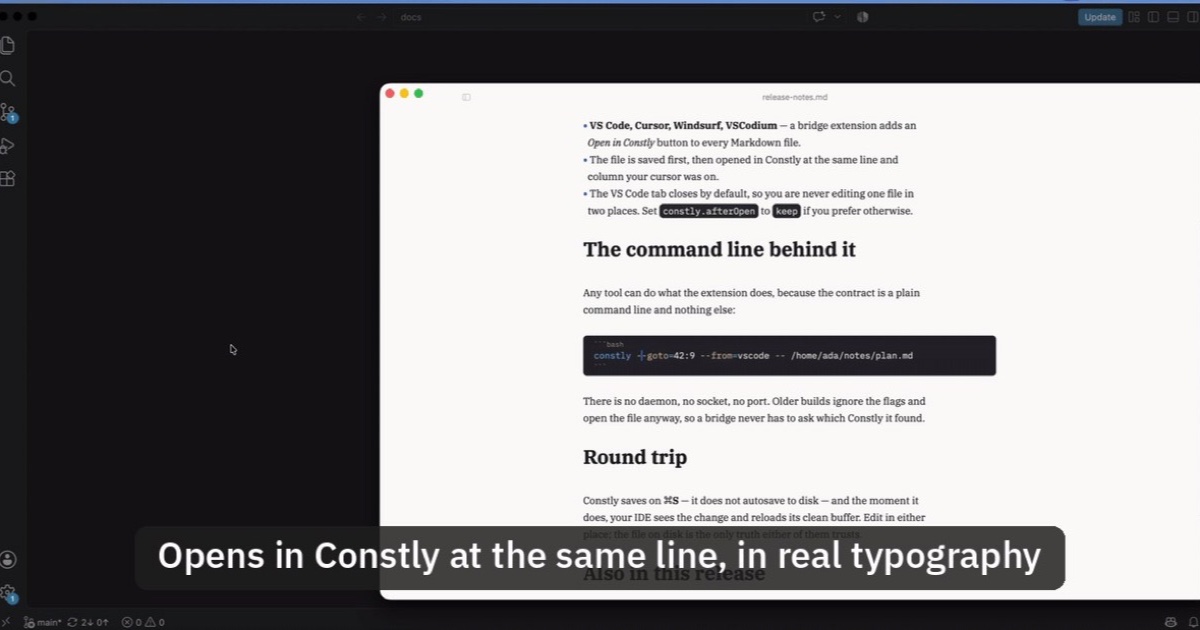
Open Markdown from VS Code, Cursor or Windsurf in Constly
A free extension for VS Code, Cursor, Windsurf and VSCodium: one click saves the Markdown file you're on and opens it in Constly, at your cursor.
-
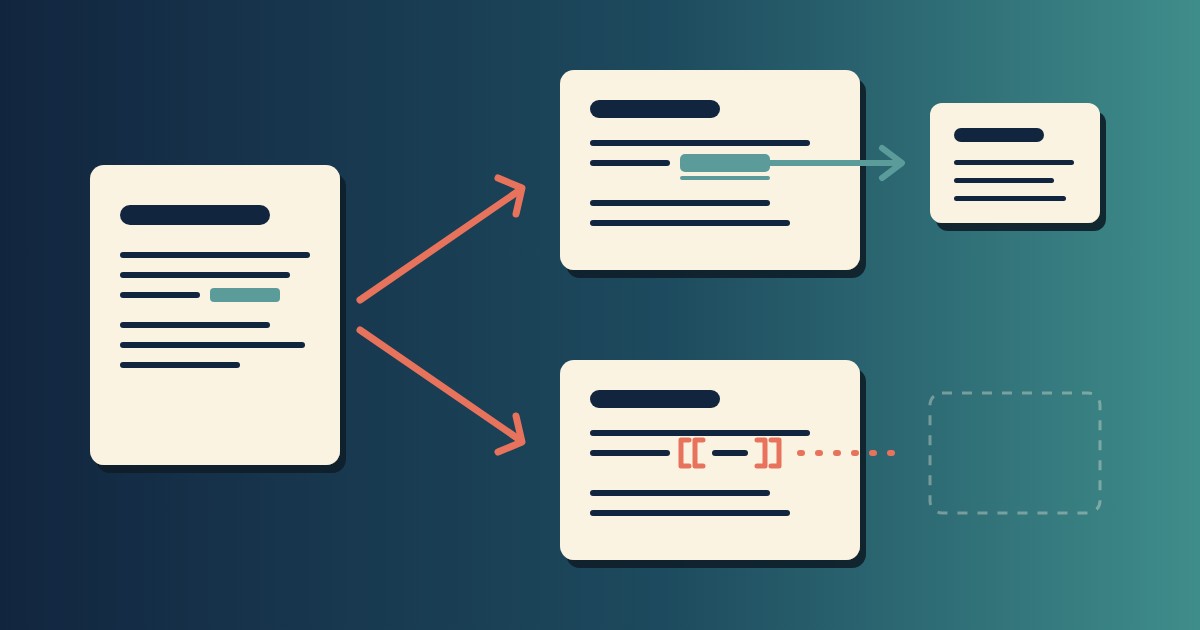
Wikilinks vs Markdown Links: Which One Still Works When You Change Apps
[[Note]] is not part of Markdown, so most tools show it as typed. [Note](Note.md) works in all of them. One test file, three readers, and a one-line conversion.
-
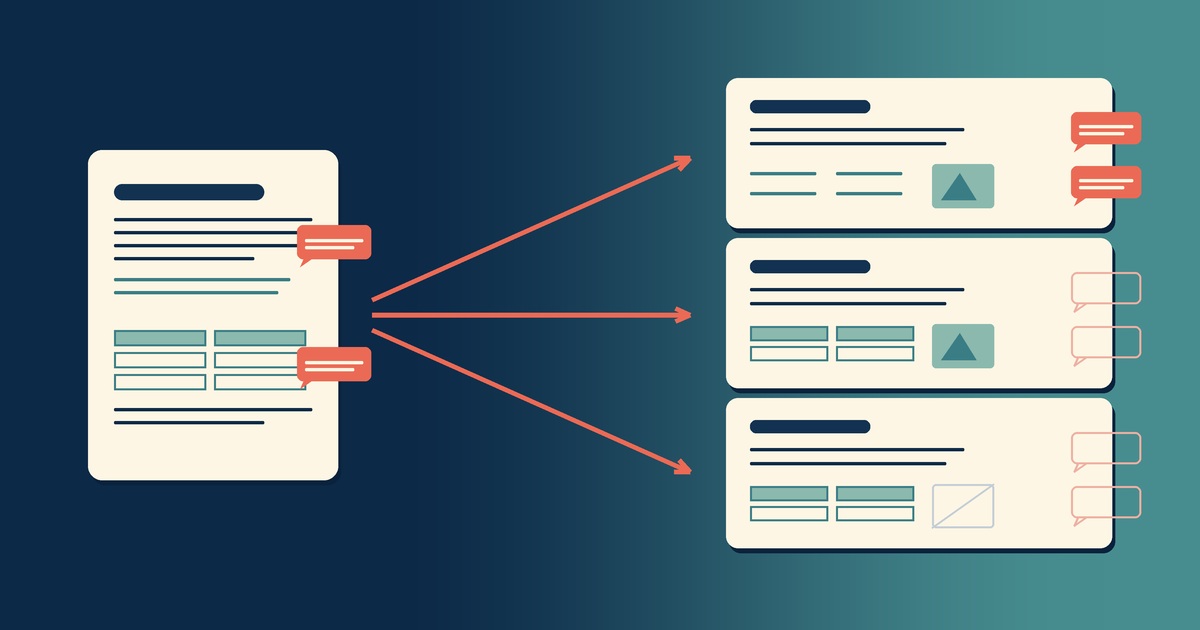
Google Docs to Markdown: Three Routes, and What Each Drops
Google Docs exports Markdown from the File menu, and drops every comment on the way. Three routes out of a Doc, tested on one document, and what each costs.
-
Leaving Google Keep? How to Get Your Notes Out as Markdown
Google Takeout hands you Keep as one file per note. A short script turns them into Markdown, titles, checklists and labels included, ready for any plain-text app.
-
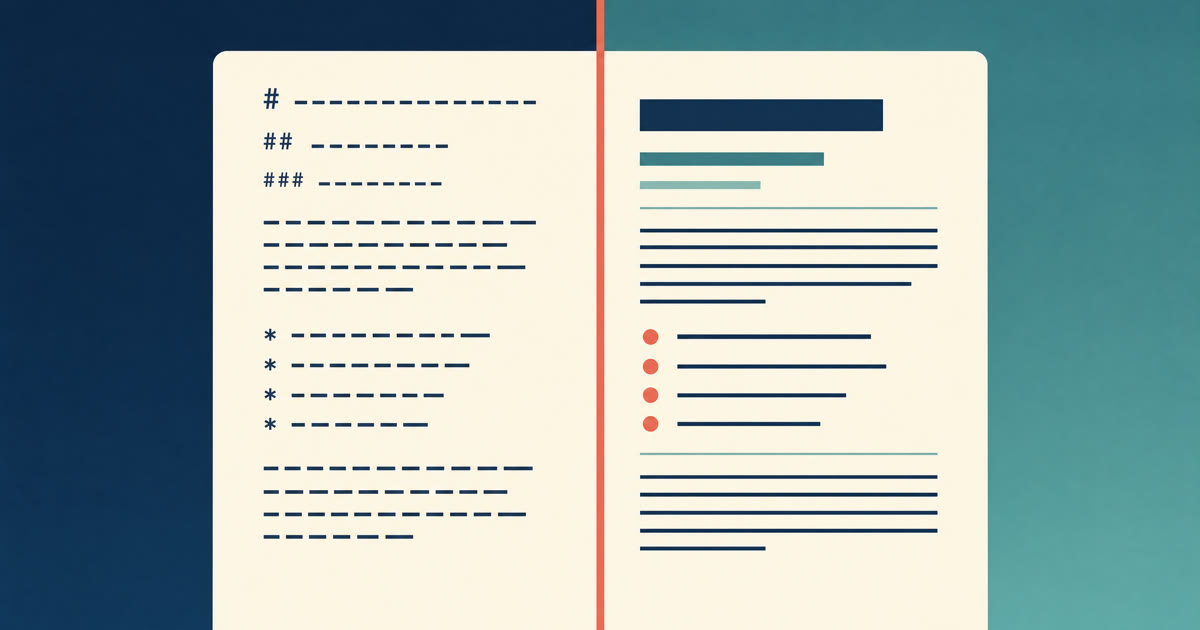
How to Preview a Markdown File on a Mac
Press Space on a .md file and macOS shows you the source, hashes and asterisks included. Here is why, and three ways to actually read the thing.
-

Version History for Your Notes, Free, Forever
Two free layers of version history for plain-text notes: Constly's local snapshots as you save, and git for a history that outlives any app. Plus a ten-minute backup plan.