The best free Typora alternative for Mac

Typora is a genuinely great editor — but after its 15-day trial it’s a one-time $14.99. If you want that same live, render-as-you-type Markdown editing on macOS without paying, Constly is the closest match: it renders formatting inline exactly the way Typora does, and it stays free forever (with an optional $19.99 license). Below is that pick, plus two other free options and how they compare.
For the record: we make Constly. We think it’s the best free Typora alternative on Mac, and we’ll show you the trade-offs honestly so you can decide.
Is Typora free?
No. Typora is a paid app with a 15-day free trial. After the trial you need a license, a one-time purchase of $14.99 (without tax) that activates on up to three devices, with no subscription. If you want the same render-as-you-type editing without paying, Constly is free to use: every feature, no expiry and no account. Its $19.99 license is optional.
Why people look for a Typora alternative
Typora left beta years ago and is now paid: a one-time $14.99 license (three devices) after a 15-day full-feature trial. That’s a fair price for a good app. But people still go looking for an alternative when:
- the trial runs out and they’d rather not pay;
- they want something that’s free to keep, indefinitely;
- they prefer a tool that’s active and native on macOS.
What actually makes a “Typora alternative”
This matters, because most lists get it wrong. Typora’s defining feature is seamless live preview — the Markdown marks render away as you type, in the same window, with no split pane. A lot of “alternatives” are really split-pane editors (raw on the left, preview on the right). That’s a different experience. A true alternative renders in place.
Constly — the closest match, and free
Constly is built on exactly that idea: write ## Heading and it becomes a heading; write a table and it becomes an editable grid; leave a paragraph and the marks disappear, click back in and they return. KaTeX math and Mermaid diagrams render inline. It’s native (Rust core), private by default, and exports to PDF, Word, HTML, EPUB and more.
The honest contrast with Typora:
| Typora | Constly | |
|---|---|---|
| Price | $14.99 one-time, after a 15-day trial | Free to use; $19.99 optional license |
| Expires? | Trial ends → license required | Never — free forever, no watermark |
| Render-as-you-type | Yes | Yes |
| Byte-fidelity (never reflows untouched Markdown) | — | Yes |
| Editable tables, KaTeX, Mermaid | Yes | Yes |
| Platforms | macOS, Windows, Linux | macOS, Windows, Linux |
| Open source | No | No |
The short version: Typora makes you pay after 15 days; Constly never stops being free. Both run on macOS, Windows and Linux, so if “free” is the point, Constly wins.
Other free options
- MacDown — free and open-source, but split-pane (raw + preview), so it’s a different feel from Typora.
- Obsidian — free for all use, including commercial, but it’s a linked-notes knowledge base rather than a single-document WYSIWYG editor.
For the wider field, see our roundup of free Markdown editors for Mac.
The bottom line
If what you loved about Typora was watching Markdown turn into a clean page as you typed — and you’d rather not pay to keep doing it — download Constly. It’s free, it’s native, and it won’t touch a byte of your files you didn’t change.
FAQ
Is Typora free? You can try it free for 15 days, then it needs a license. Typora’s site lists a one-time purchase of $14.99 (without tax), good for up to three devices. Constly has no trial to run out: every feature is free to use, and the $19.99 license is optional. Download Constly to try it.
Last updated October 4, 2026.
Keep reading
-
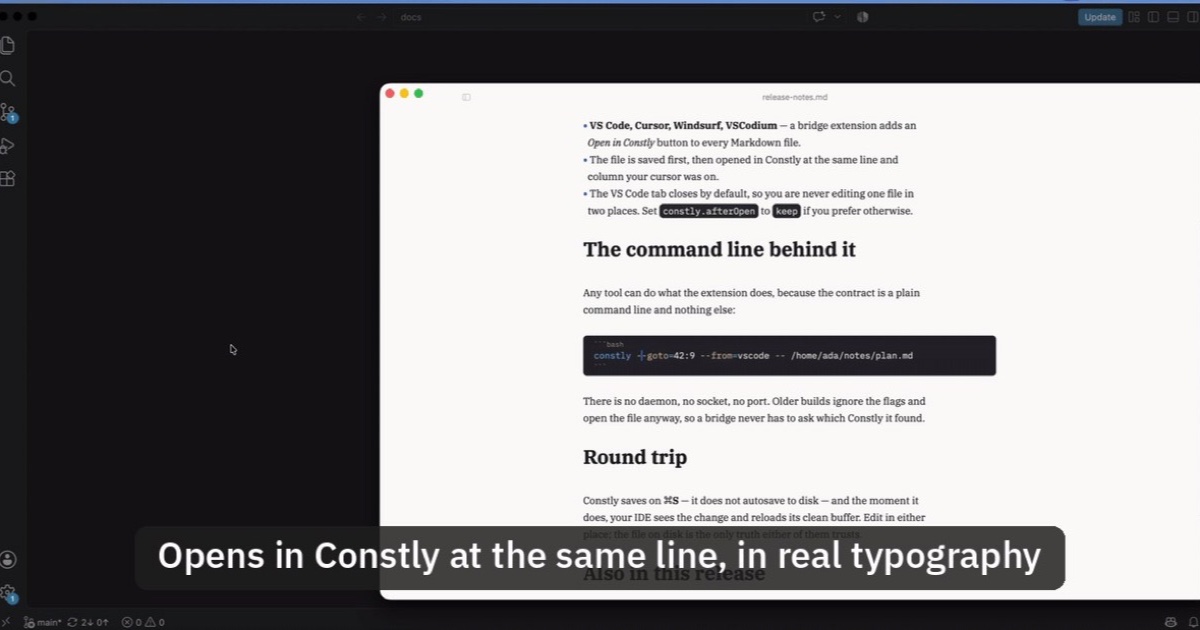
Open Markdown from VS Code, Cursor or Windsurf in Constly
A free extension for VS Code, Cursor, Windsurf and VSCodium: one click saves the Markdown file you're on and opens it in Constly, at your cursor.
-
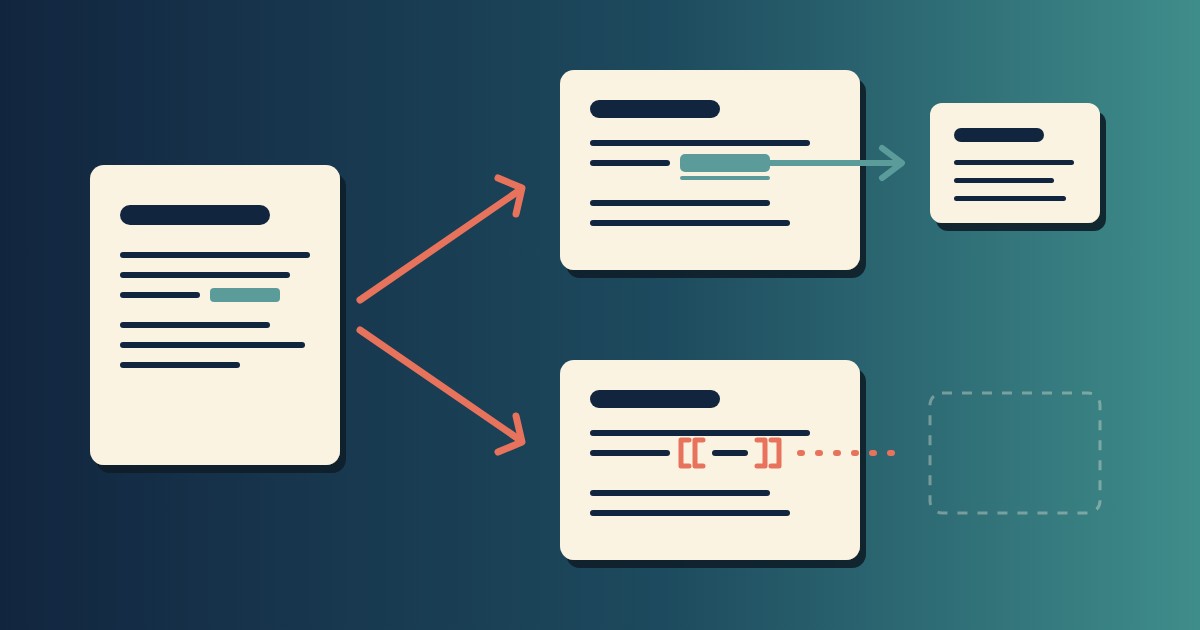
Wikilinks vs Markdown Links: Which One Still Works When You Change Apps
[[Note]] is not part of Markdown, so most tools show it as typed. [Note](Note.md) works in all of them. One test file, three readers, and a one-line conversion.
-
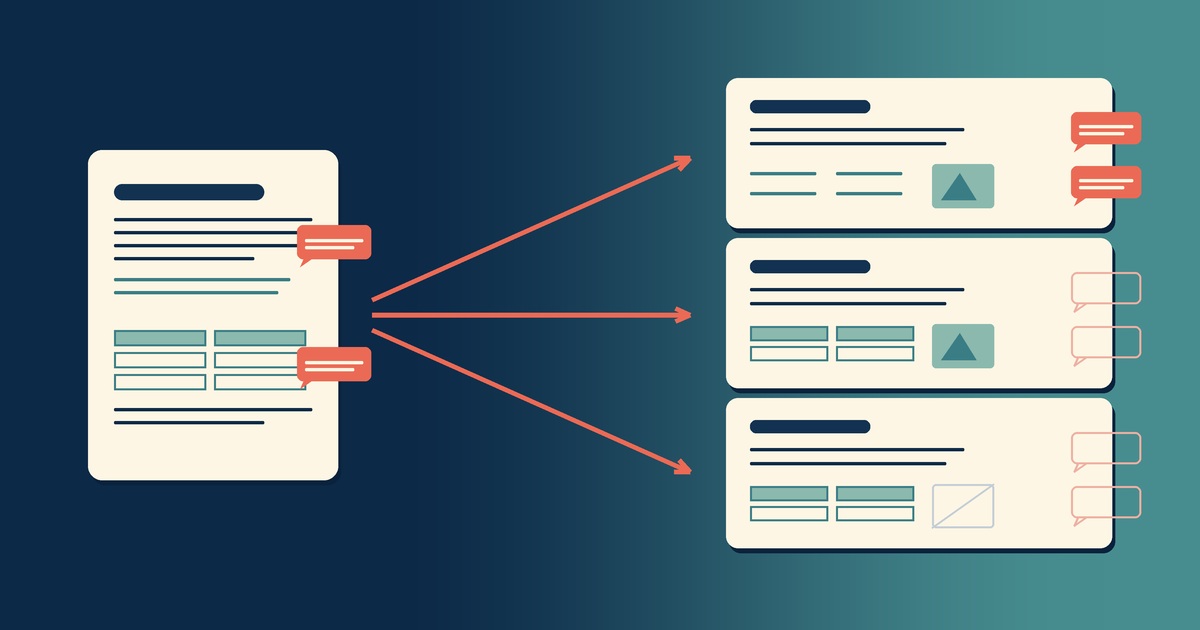
Google Docs to Markdown: Three Routes, and What Each Drops
Google Docs exports Markdown from the File menu, and drops every comment on the way. Three routes out of a Doc, tested on one document, and what each costs.
-
Leaving Google Keep? How to Get Your Notes Out as Markdown
Google Takeout hands you Keep as one file per note. A short script turns them into Markdown, titles, checklists and labels included, ready for any plain-text app.
-
How to Preview a Markdown File on a Mac
Press Space on a .md file and macOS shows you the source, hashes and asterisks included. Here is why, and three ways to actually read the thing.
-

Version History for Your Notes, Free, Forever
Two free layers of version history for plain-text notes: Constly's local snapshots as you save, and git for a history that outlives any app. Plus a ten-minute backup plan.